See every turnaround wait
while it is still happening.
ONX reads the cameras already on the unit, prices every crew waiting on permits or cranes in contractor hours and checks the hours billed against the floor.
ONX turns your unit’s cameras into one live 3D floor, and checks every contractor hour against it.
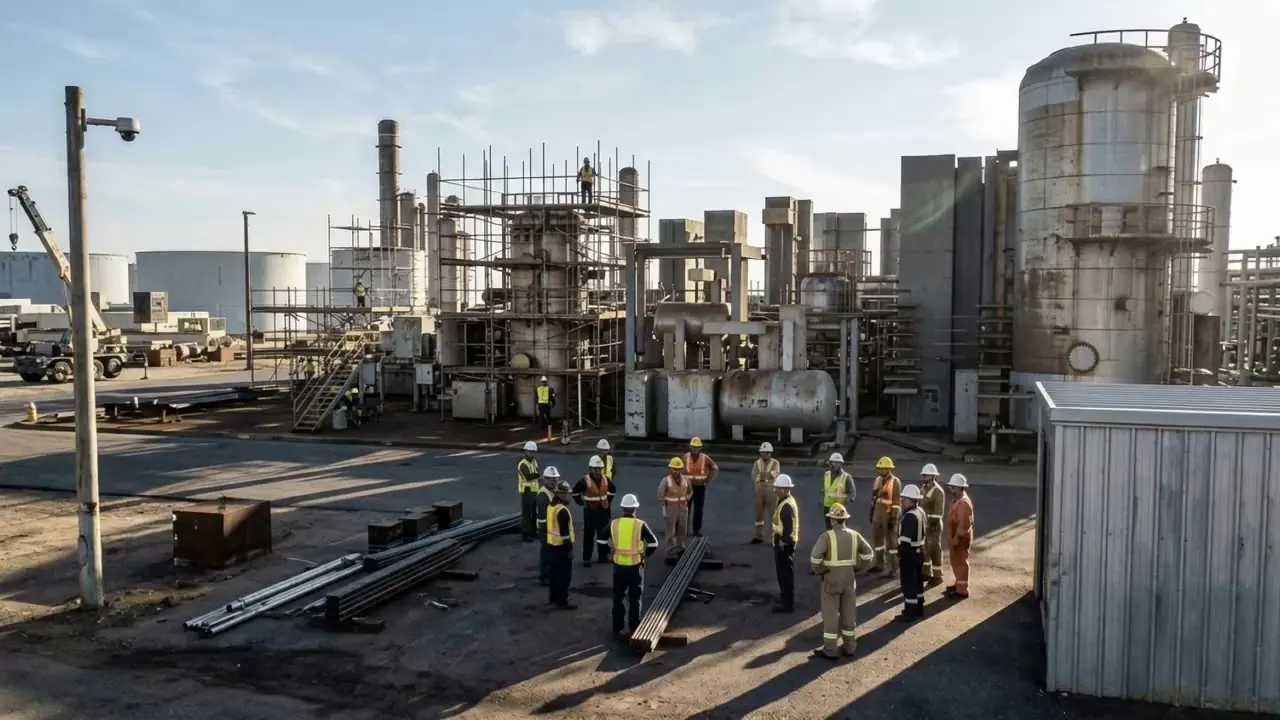
A crew of 14, waiting on permits.
The camera on the permit line already films it. ONX counts the crew, times the wait and prices it in contractor hours, every shift.
What ONX reads on a turnaround.
- Permit lines and gates. Crews waiting to start, counted and timed every shift.
- Contractor hours. The hours billed, set against the crews the floor shows.
- Cranes and laydown yards. Every lift and every wait, in minutes.
- Read-only. Cameras through the recorder you already run, timesheets from a spreadsheet export. Nothing is written back.
From three cameras to the whole unit.
- Day 1Connect
Read-only access to three cameras on the permit line, gates or laydown yard, through one edge box we add.
- Day 10First dollars
Every wait on those cameras, its cause and its cost in contractor hours.
- Day 90Live in 3D
Every camera on the unit on one floor, checked against the timesheets.
- Year 1The morning plan
Permit and crane sequences, drafted by ONX. Your team approves.
Questions turnaround teams ask.
Where do the cameras go on a turnaround?
Start where cameras already are: the permit line, the gates, the laydown yard and the unit perimeter. ONX reads the cameras you own, read-only.
How does ONX check contractor hours?
ONX counts the crews on camera and times their work and their waits each shift, then sets that against the hours billed on the timesheets.
We already audit contractor timesheets. What does ONX add?
Gate logs show when crews came and went. ONX shows the time in between: when crews worked, when they waited on permits or cranes, and for how long.
Does ONX identify contractors?
No. There is no face recognition: ONX measures crews and waits. Who worked which job stays in the timesheets and your own records, and workers get written notice before anything goes live.
Does ONX write to our systems?
No. Access to cameras and records is read-only, and nothing is written back.
How do we start?
With a free review: we look at your cameras and footage, walk the unit once and send a priced proposal the same week.
The same engine on other floors.
Start with three cameras on the permit line.
We look at your cameras and footage, walk the floor once and send a priced proposal the same week.
Connect three cameras.
See the first dollars
in 10 days.
Talk to the founders, 20 minutes.