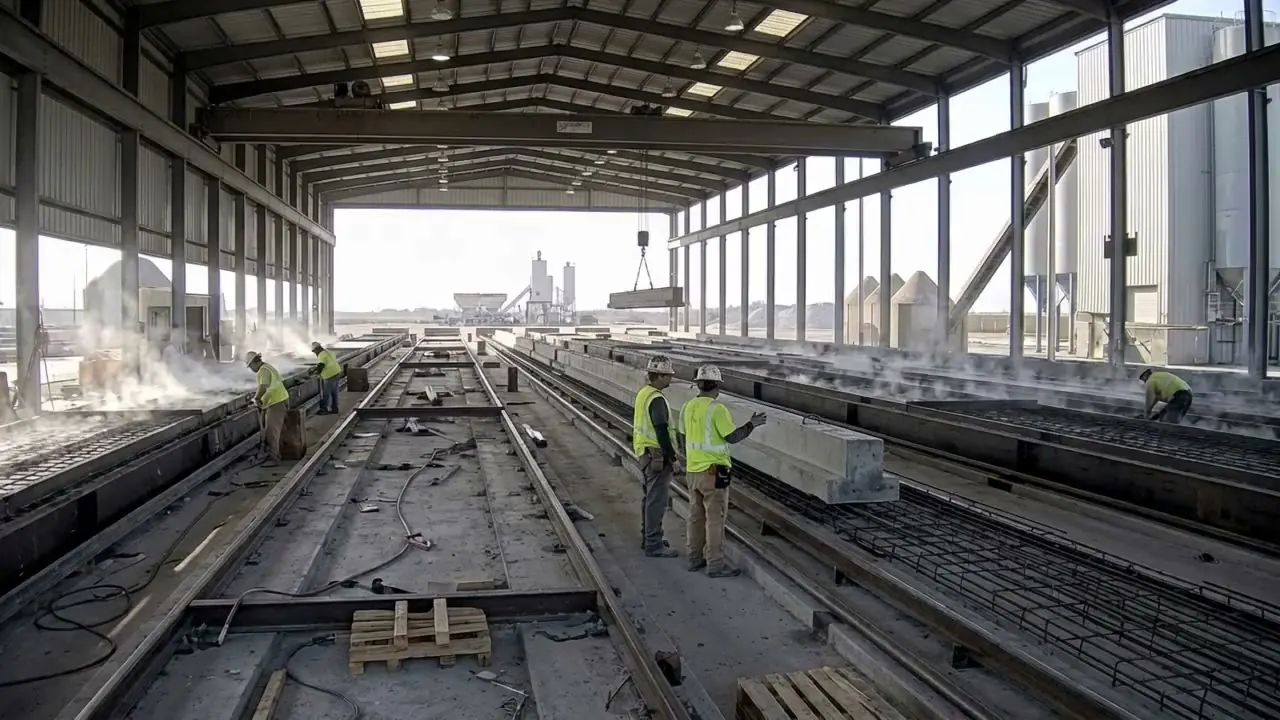
Turn every precast bed
faster.
ONX reads the cameras your plant already owns and prices every wait at the beds, for the crane or a crew, in dollars against your production schedule.
ONX turns your plant cameras into one live 3D floor, and shows where bed time goes.
Bed 4, waiting on the crane.
The camera over the beds already films it. ONX reads every frame, checks it against the day’s schedule and prices the wait while it is still happening.
What ONX reads in a precast plant.
- Crane time. Every lift and every wait for a crane, by bed, in minutes.
- Beds. When each bed is working and when it stands waiting, set against the day’s schedule.
- Crane clashes. When the yard and the beds want the same crane, and what the clash costs.
- Read-only. Cameras through the recorder you already run, the schedule from your ERP or a spreadsheet. Nothing is written back.
From three cameras to the whole plant.
- Day 1Connect
Read-only access to three cameras and to your production schedule, through one edge box we add.
- Day 10First dollars
Every wait on those cameras, its cause and its cost.
- Day 90Live in 3D
Every camera in the plant on one floor, checked against your schedule.
- Year 1The morning plan
Crane plans and bed sequences, drafted by ONX. Your team approves.
Questions precast plants ask.
What does ONX measure in a precast plant?
Waits at the beds and the cranes: when each bed works and when it stands waiting, for the crane or a crew, priced in dollars against your production schedule.
Our production software already has the schedule. What does ONX add?
Your software holds the plan and the scans. ONX adds what the floor shows: when each bed and crane worked, when it waited and what it waited on.
Which systems does ONX read?
Any IP camera or NVR, and your production schedule from your ERP or a spreadsheet. Access is read-only.
Do we need cameras over every bed?
No. One camera is enough to put a yearly number on the waits; every camera goes on one live 3D floor by day 90.
Does ONX identify our crews?
No. There is no face recognition: ONX measures beds, crews and waits. Who worked which job stays in your own time-clock records, and workers get written notice before anything goes live.
How do we start?
With a free review: in the first week we look at your cameras and footage, walk the plant once and send a priced proposal the same week.
The same engine on other floors.
Start with three cameras over your beds.
We look at your cameras and footage, walk the floor once and send a priced proposal the same week.
Connect three cameras.
See the first dollars
in 10 days.
Talk to the founders, 20 minutes.